- User-centered/Interaction Design
- Wizard of Oz Prototyping
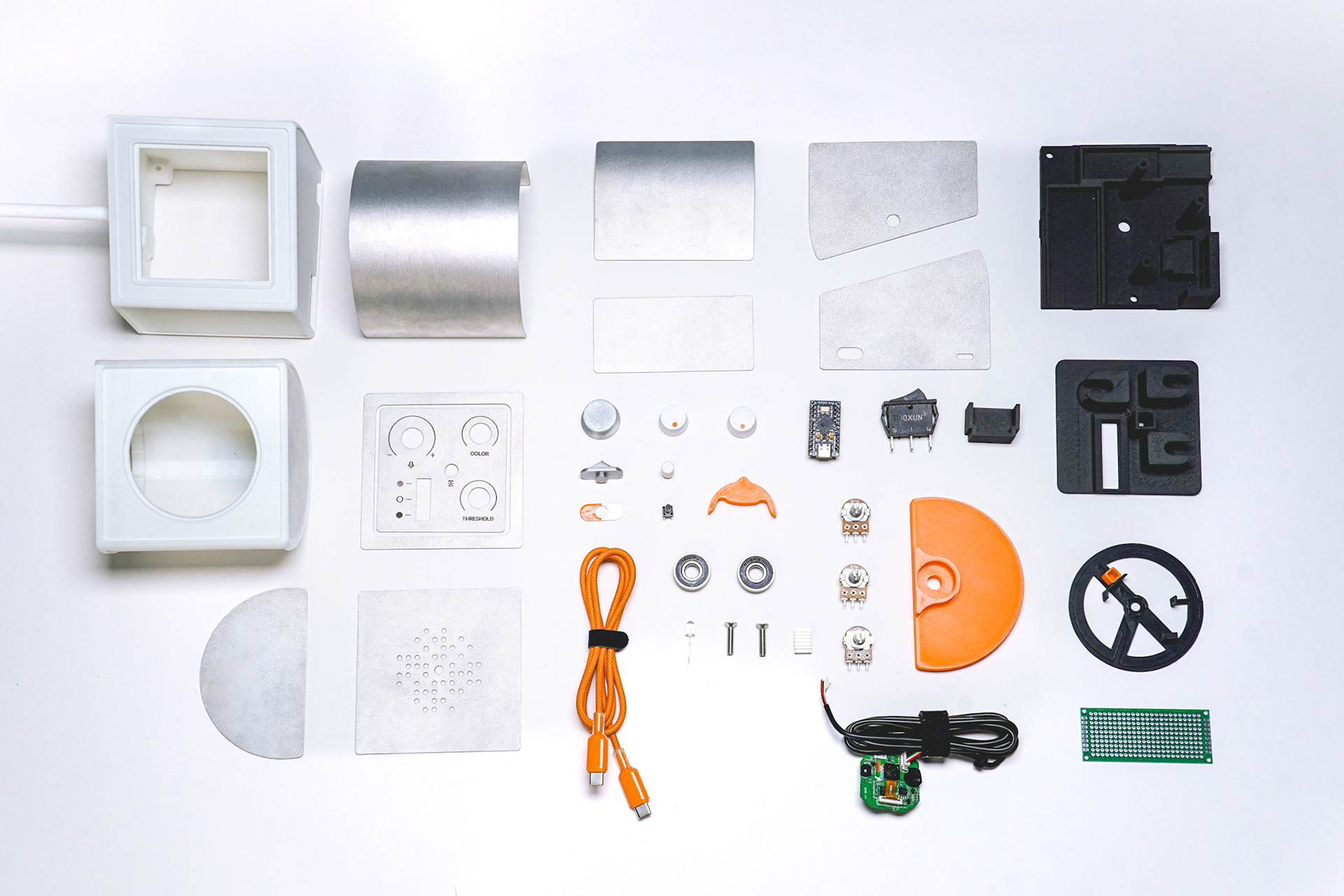
- SOLIDWORKS
- Arduino IDE
- Circuitry
- FDM 3D Printing
- Laser Cutting
- Metal Forming
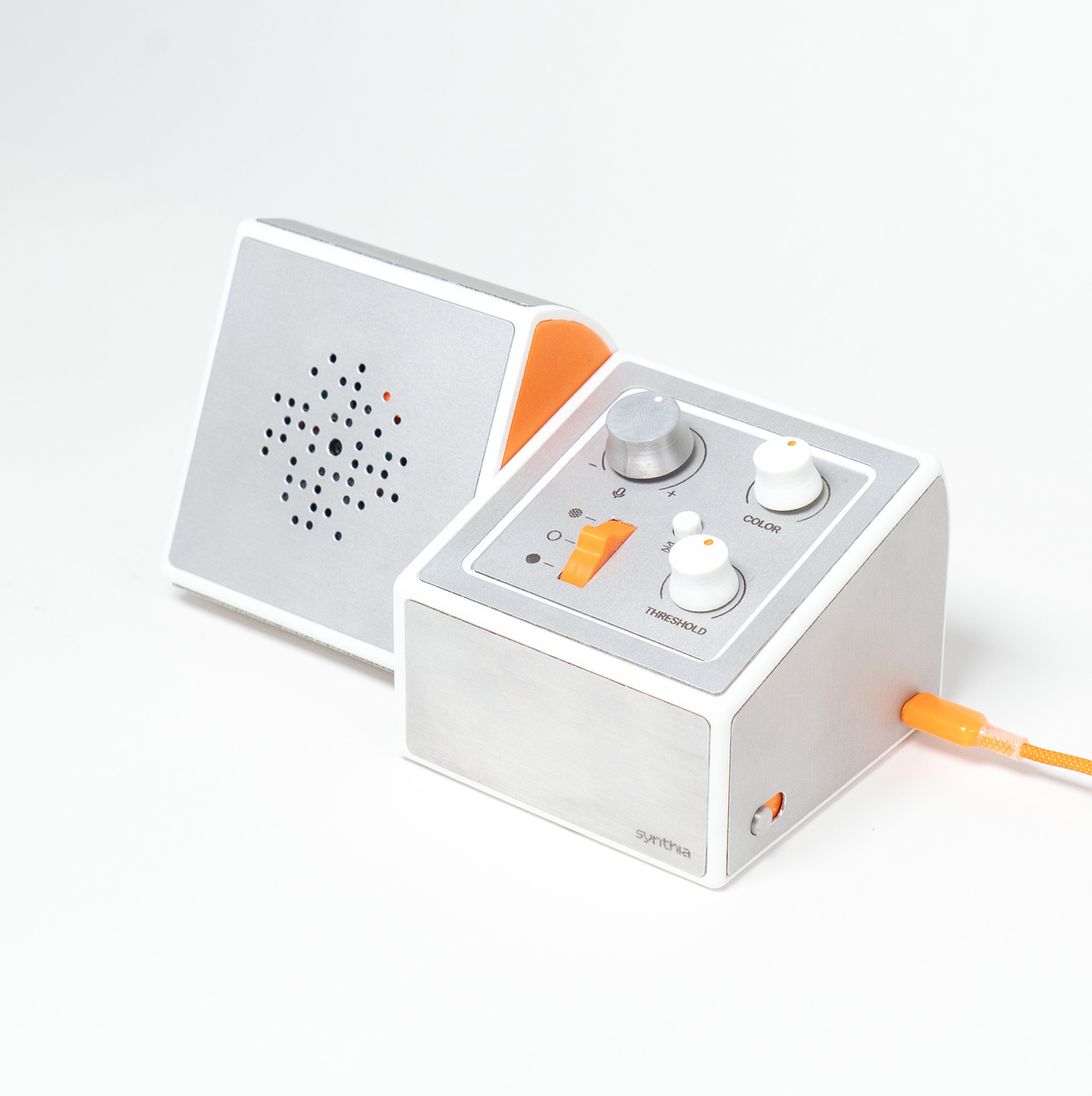
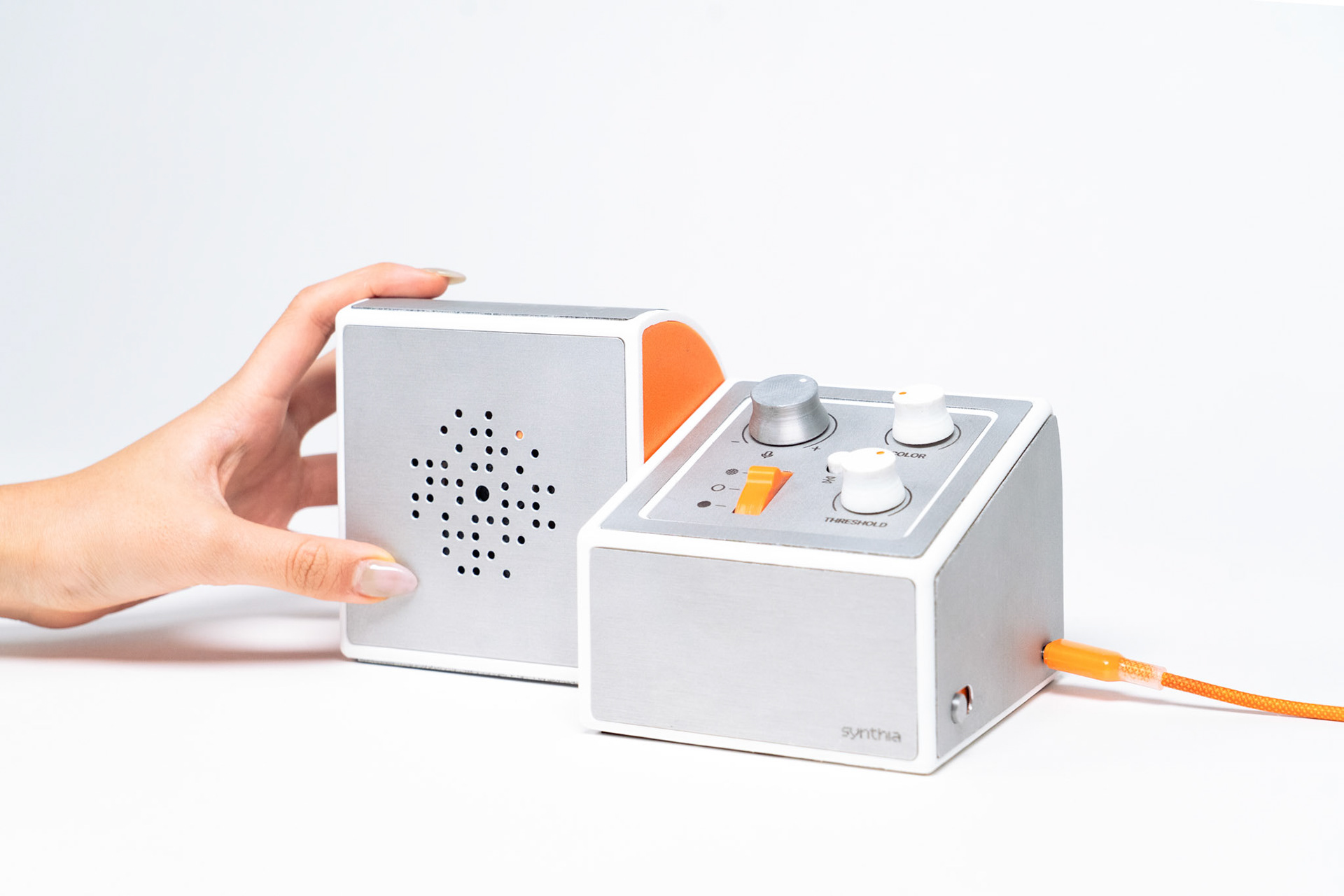
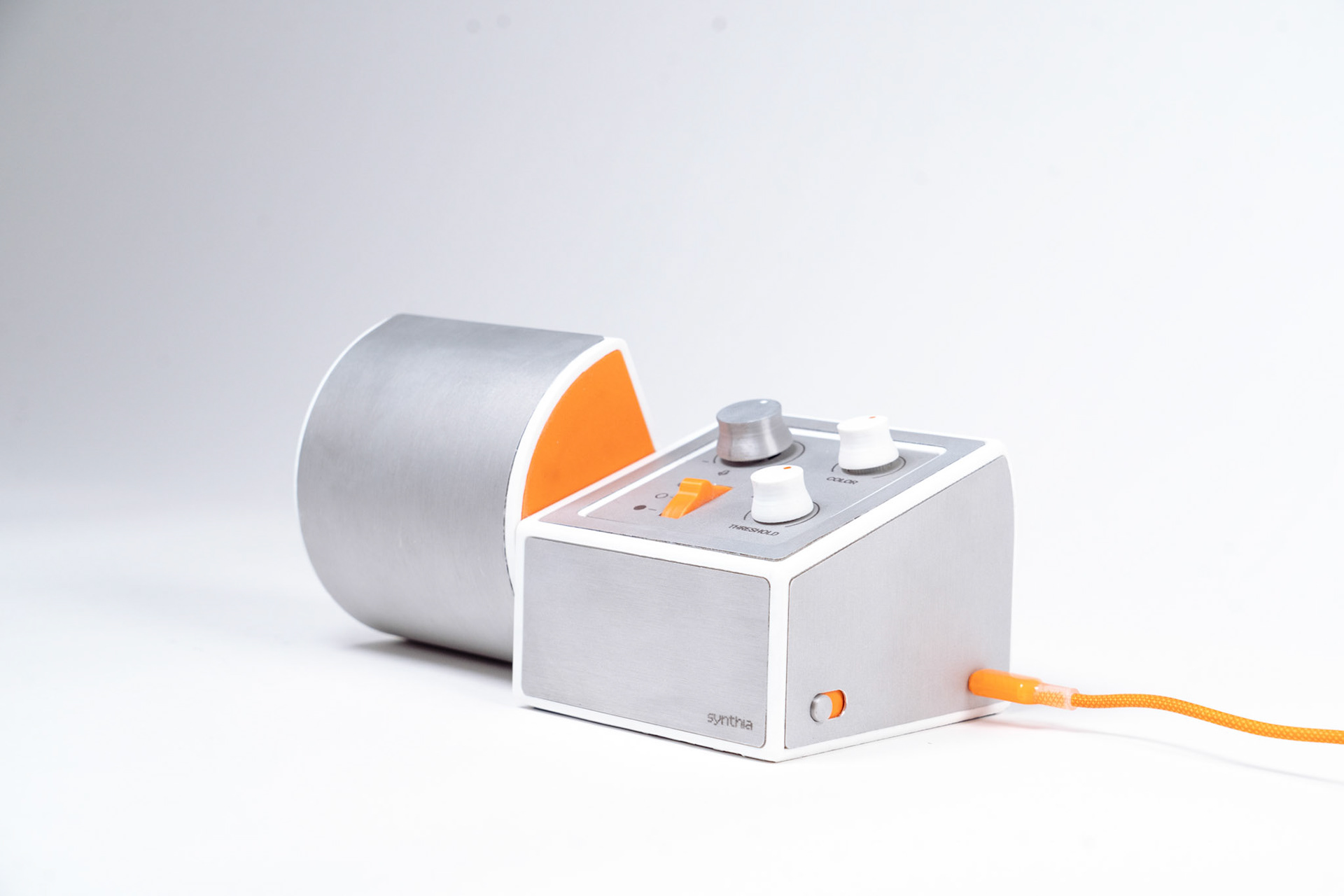
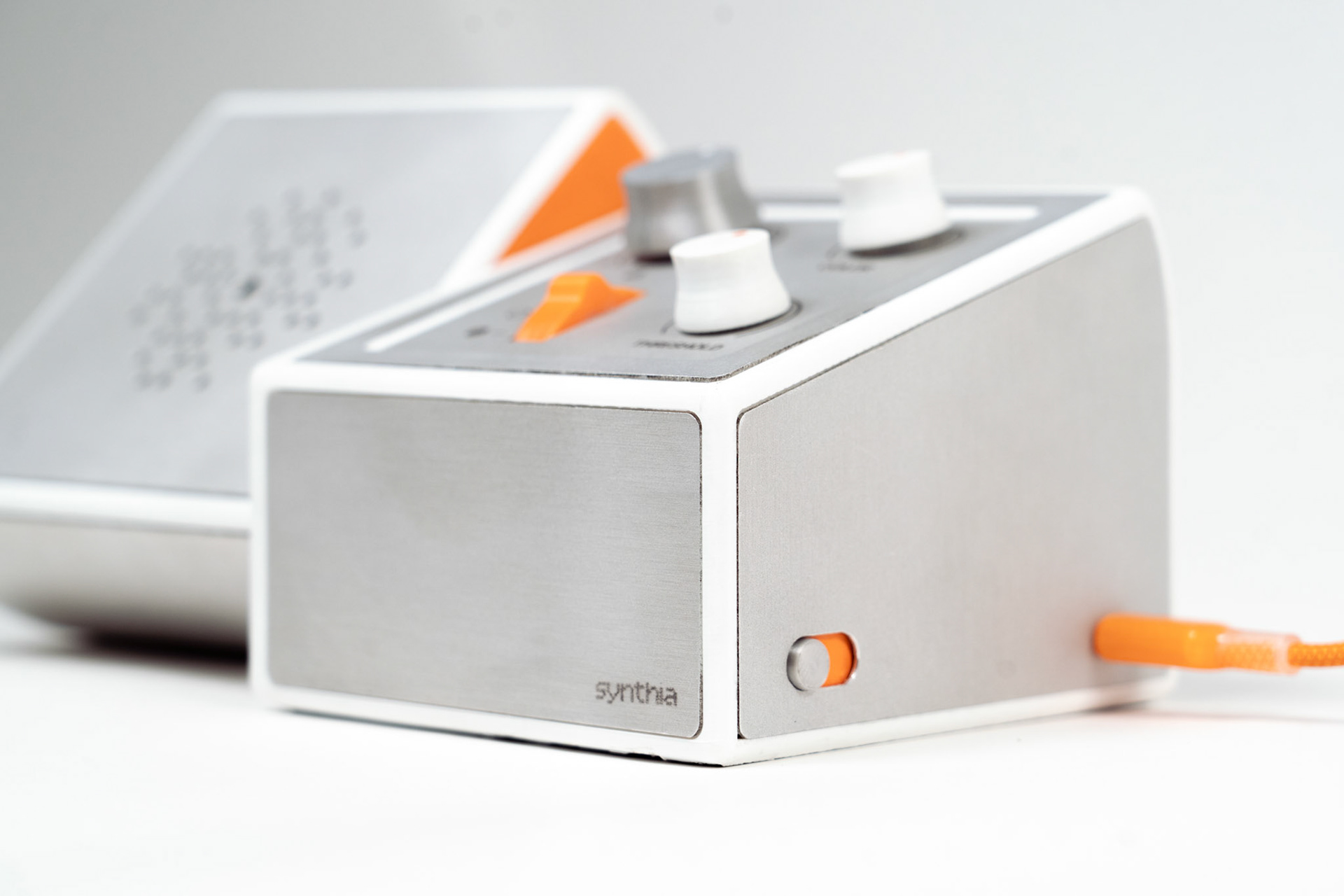
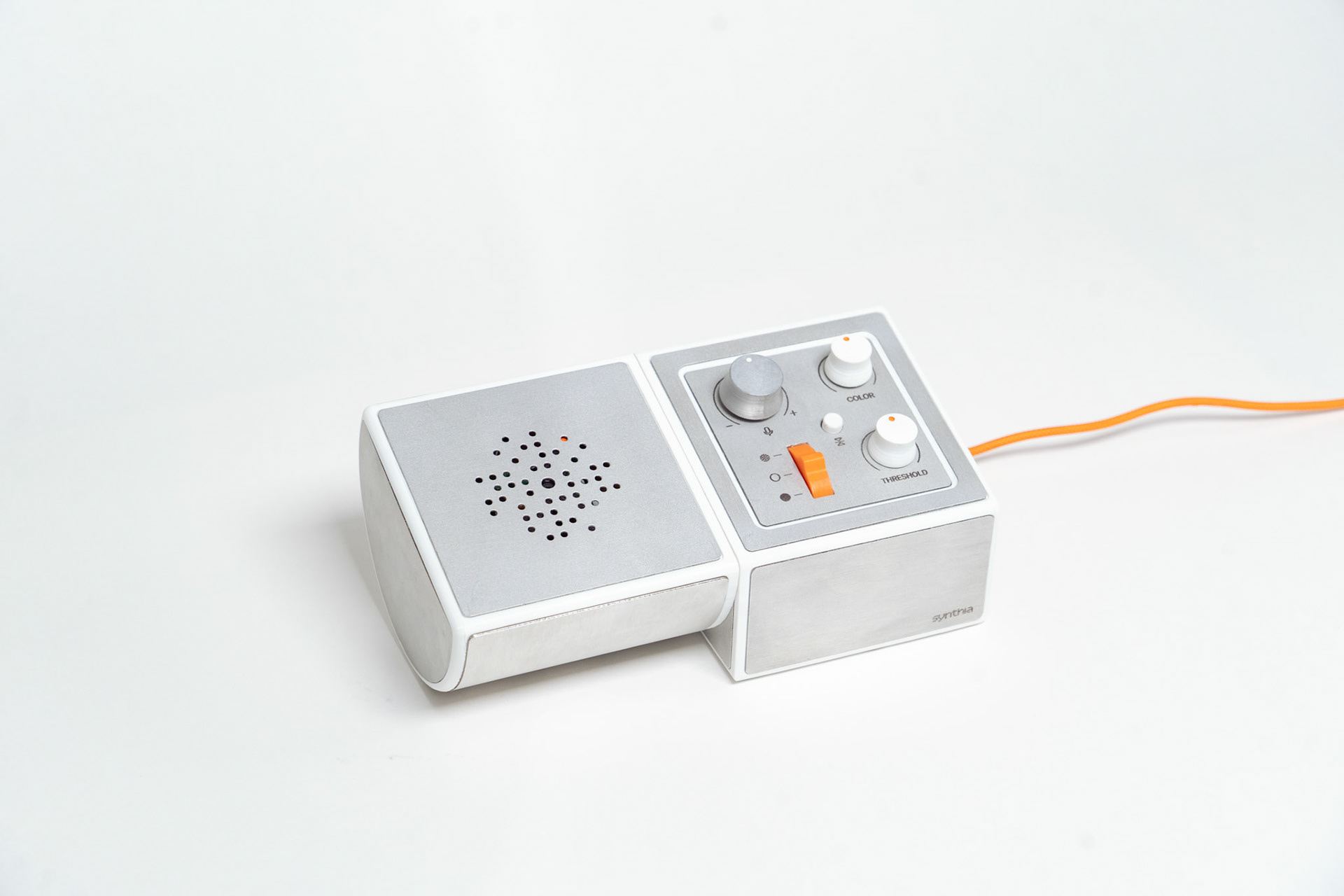
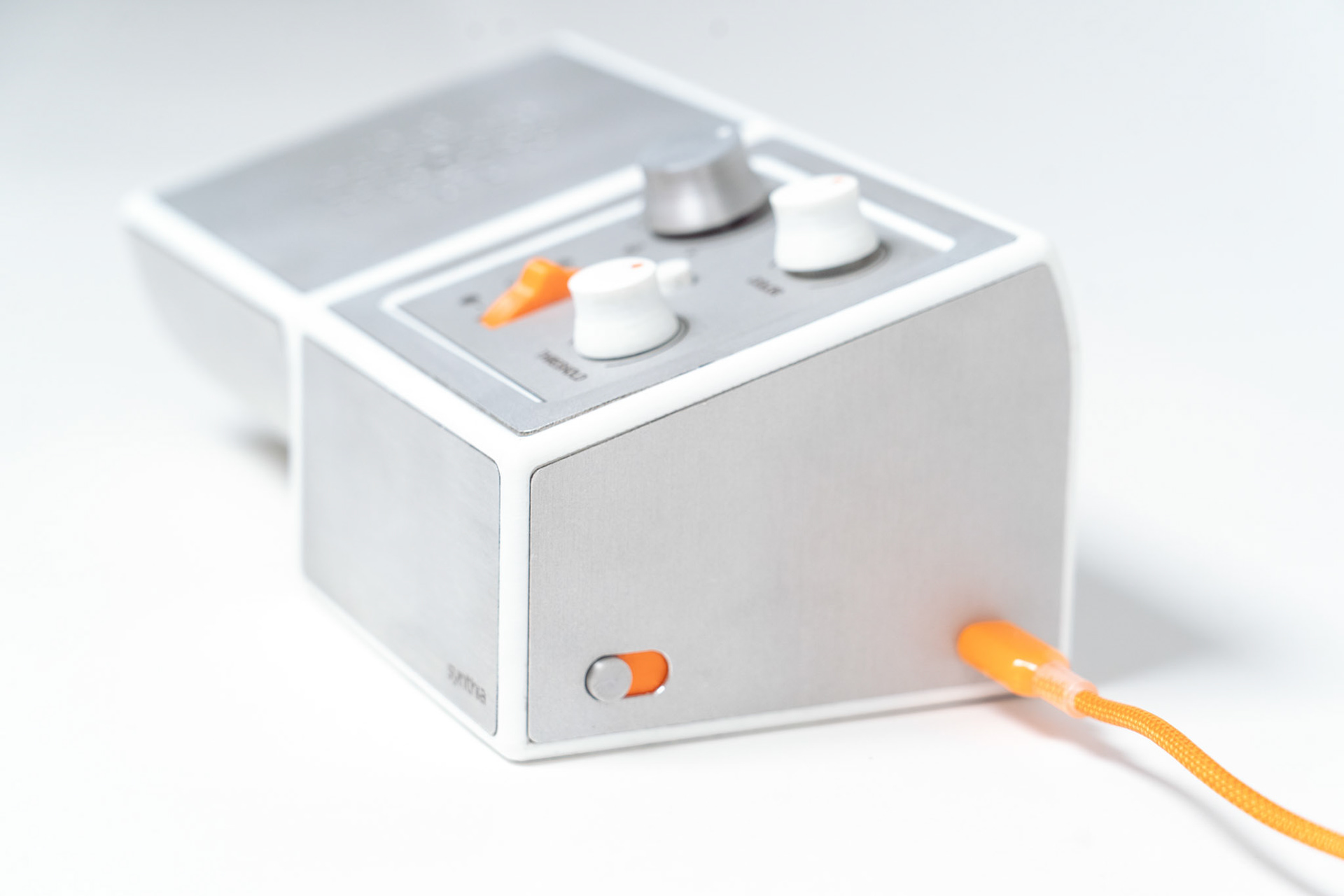
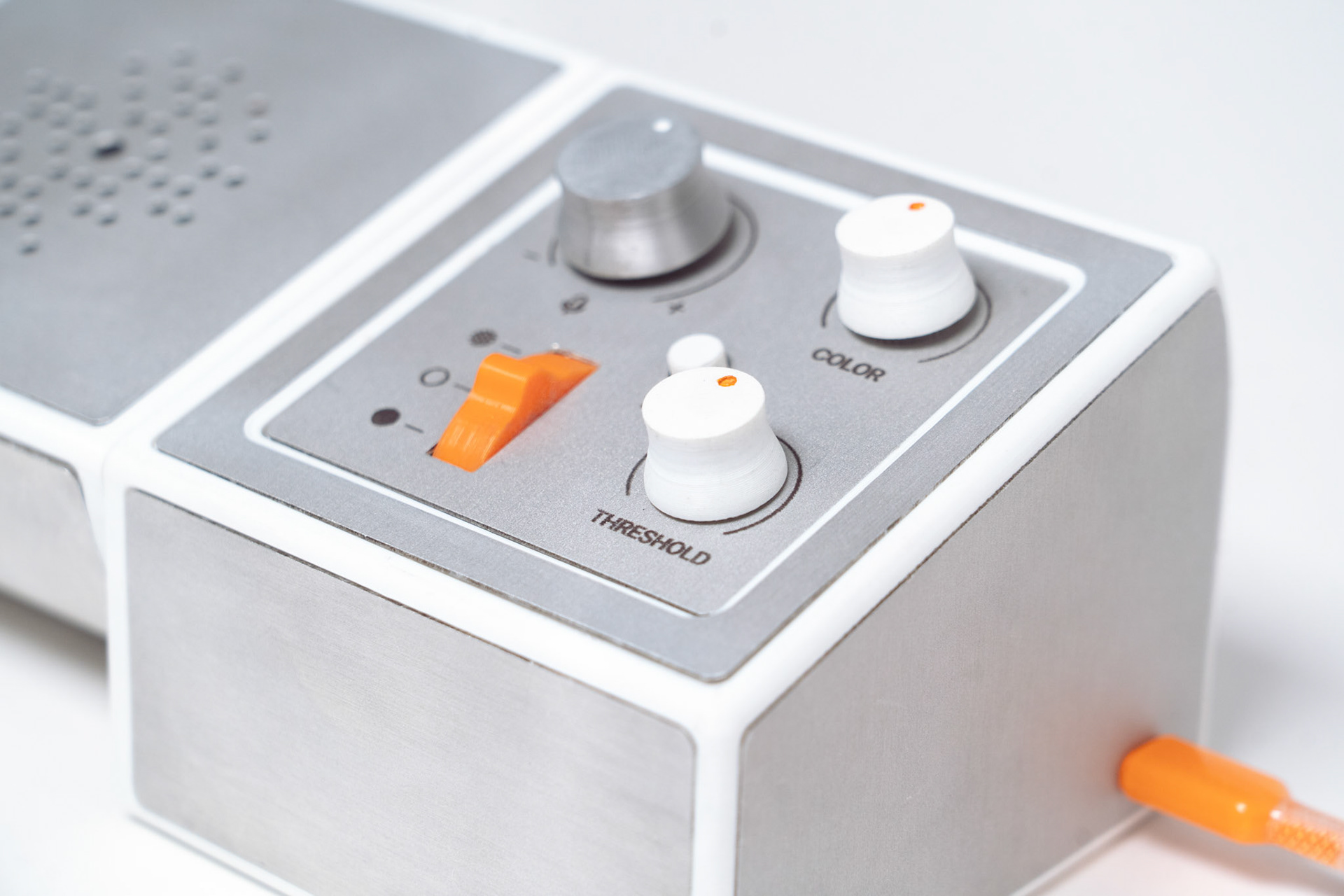
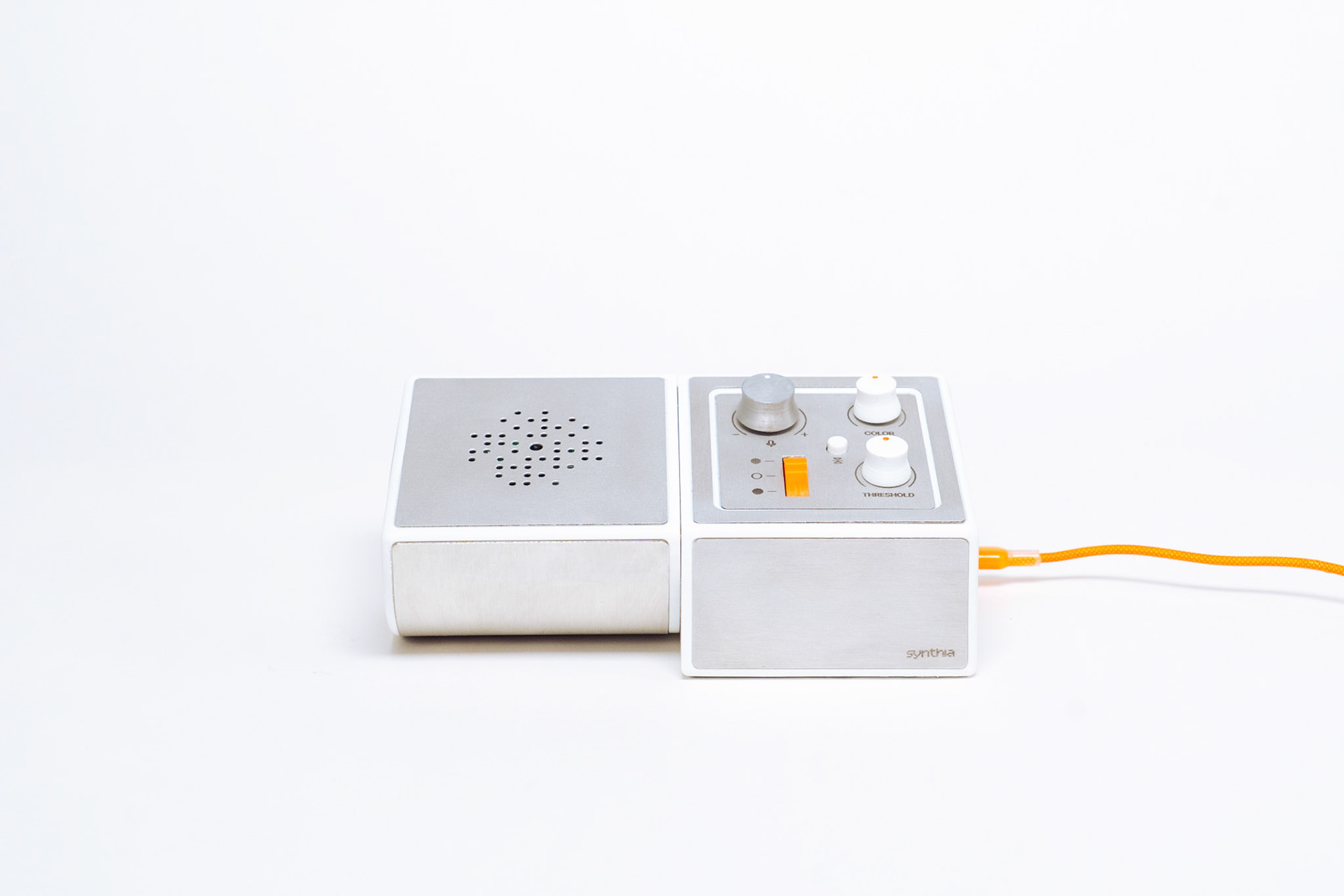
Synthia combines live video and ambient audio to transform the former into concert-level, audio-reactive visuals that can then be projected back into the room. With the three-state switch, the user is able to select from three graphic modes: dots (particle simulation), lines (edge detection), and solids (pixelation). All visual modes can be further modified using the knobs -- which control audio sensitivity, video threshold/contrast, and color -- to bring another level of customization. To ensure usability in either user- or audience-facing directions, the graphics can be flipped upside down using the x-axis mirror button.
From top left to bottom right: visual modifier control panel, lines (edge detection) mode, dots (particle simulator) mode, solids (pixelation) mode
Synthia was designed and fabricated alongside Joanne Hong (MIT BS '27) and Pria Sawhney (MIT BS '27) for the second half of 4.031 Design Studio: Objects and Interaction taught by Marcelo Coelho. Though workload was heavily cooperative, my contribution focused on the mechanical design/fabrication and electronics of Synthia. For now, view our project overview here, and check back later for web format!
Design Process
Coming soon!